Rakuten Mobile Support for Foreigners: English Chat, Phone & Store — All Contact Methods Explained
How to Contact Rakuten Mobile Support as a Foreigner
Worried about contacting Rakuten Mobile support because you are not fluent in Japanese? You are not alone. Many foreigners ask: “Is support only in Japanese?” or “Can I speak to someone in English?” This guide answers all of these questions. As of 2026, Rakuten Mobile offers four contact methods: AI chat support, phone support (with English operators available), store visits, and the My Rakuten Mobile app and My Page. This guide explains each method in detail, along with the real situation for English and multilingual support.

All Four Ways to Contact Rakuten Mobile
As of 2026, there are four main ways to contact Rakuten Mobile support.
① Chat Support (AI — Available 24 Hours)
Rakuten Mobile’s official website offers an AI chatbot available 24 hours a day, 365 days a year. It can instantly answer common questions about accounts, billing, and device settings. While the primary language is Japanese, simple questions may be answered in English as well. For most everyday issues, the chatbot is the fastest first step. If the chatbot cannot solve your problem, it will connect you to a human operator during business hours.
② Phone Support (English Operators Available)
Rakuten Mobile’s phone support includes English-speaking operators. You can speak directly with a person who can help with account issues, billing, or contract changes in English. Before calling, prepare your subscriber number and Rakuten ID so the process goes smoothly. Note that English-speaking operators are available during specific hours — check the official website for the latest schedule. During peak times, wait times may be longer than usual.
③ Store Visit (Face-to-Face Support)
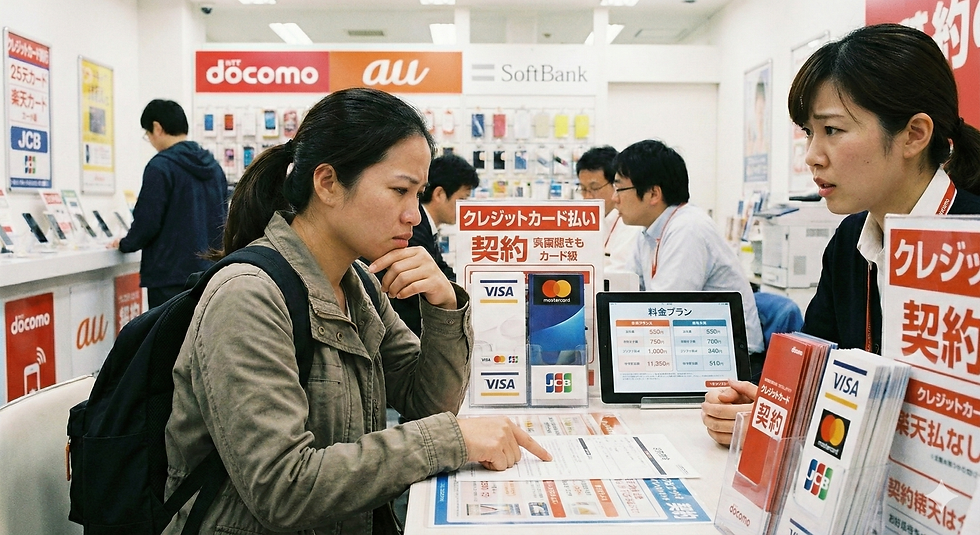
You can receive in-person support at Rakuten Mobile shops across Japan. Some stores have staff members who can assist in foreign languages. Store visits are particularly effective for issues that cannot be resolved online — such as device configuration, eSIM setup, or hardware problems. Making a reservation before visiting will reduce your wait time. You can book a visit through the official website.
④ My Rakuten Mobile App and My Page
Through the My Rakuten Mobile app or the My Page section of the official website, you can change your payment method, check data usage, switch plans, and manage your contract details — all on your own. This self-service option is extremely convenient and does not require contacting anyone. The app menus are available in English, making most routine tasks easy to complete without needing Japanese.
The Real Situation for English and Multilingual Support
The most common question from foreigners is: “Can I really get support in English?” Here is an honest breakdown.
English Phone Support
Rakuten Mobile does have English-speaking operators for phone support. However, the number of English operators is limited, so you may experience longer wait times depending on when you call. English support is available during weekday business hours. Check the official website for the most up-to-date hours. For the fastest service, try calling outside of peak hours.
Multilingual Support on the Website and App
The main Rakuten Mobile website is primarily in Japanese, but you can use your browser’s built-in translation feature (such as Google Translate) to navigate it smoothly. The My Rakuten Mobile app has English menu options for core functions, making it easy to manage your account in English. For languages other than English or Japanese, browser translation tools are the most practical approach.
Common Issues Foreigners Contact Support About
Application Rejected or Not Approved
Common reasons for rejection include an unclear photo of the Residence Card or a visa expiry date that is too close. Contact chat support first to find out the specific reason, and they can connect you to a specialist if needed. Re-photographing your Residence Card in good lighting and re-submitting often resolves the issue quickly.
Payment Problem or Failed Charge
If a payment fails or you have an overdue balance, you can update your payment method through the My Rakuten Mobile app, or pay any outstanding balance at a convenience store. For detailed guidance, contact chat support and they will walk you through the steps.
eSIM Setup Problems
If you are having trouble setting up your eSIM, a store visit is the most reliable solution. Staff can physically operate your device and configure the eSIM settings for you. Make a reservation at a Rakuten Mobile shop in advance to save time.
Solving Problems Yourself Without Calling Support
Many common issues can be resolved on your own through My Rakuten Mobile before you ever need to contact support.
What You Can Do in the My Rakuten Mobile App
Through the app, you can change your plan, update your payment method, check your monthly data usage, review your contract details, and even start the cancellation process. Most everyday account management tasks can be completed entirely within the app, in English, without needing to contact support at all.
Summary: Rakuten Mobile Support Is Foreigner-Friendly
Rakuten Mobile provides four ways to get support: 24-hour AI chat, phone support with English operators, in-person store visits, and the My Rakuten Mobile app. Even as a foreigner, you can get help in English or manage most things yourself in English through the app. Start with the AI chat for quick answers, escalate to phone or store support when needed, and use the app for all routine account management.
🎁Rakuten Mobile’s current referral campaign offers 14,000 points for MNP transfers and 11,000 points for all other sign-ups. *Entry is completed by logging in with your Rakuten account. ⇒Sign Up Here